


Sending Account Invitation to All Families
Invite your family members with a push of a button
How to All Invite Parents to Building Kidz University
Learn how to send account invitations to your family accounts!
Follow this guide to see how to invite all family members at once in your center to join Building Kidz University .
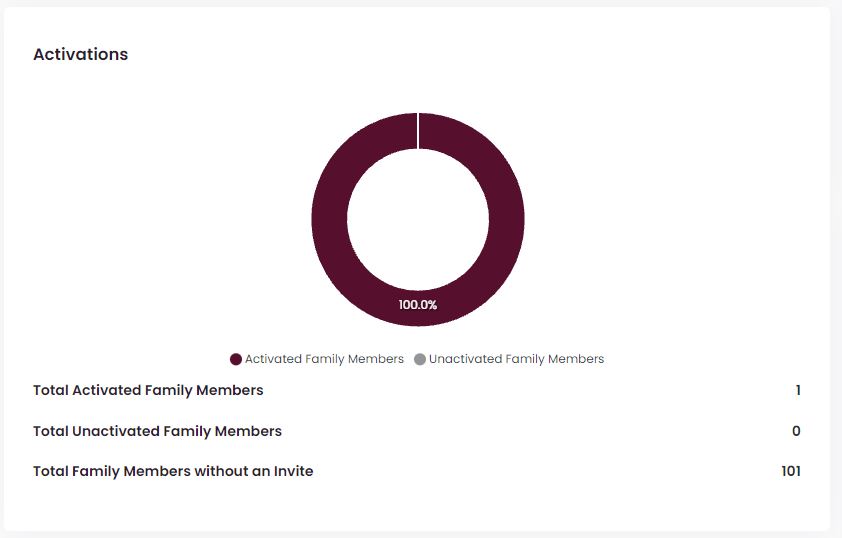
1. From the Dashboard, select the “My Site” tab. Then, tap on the graph.

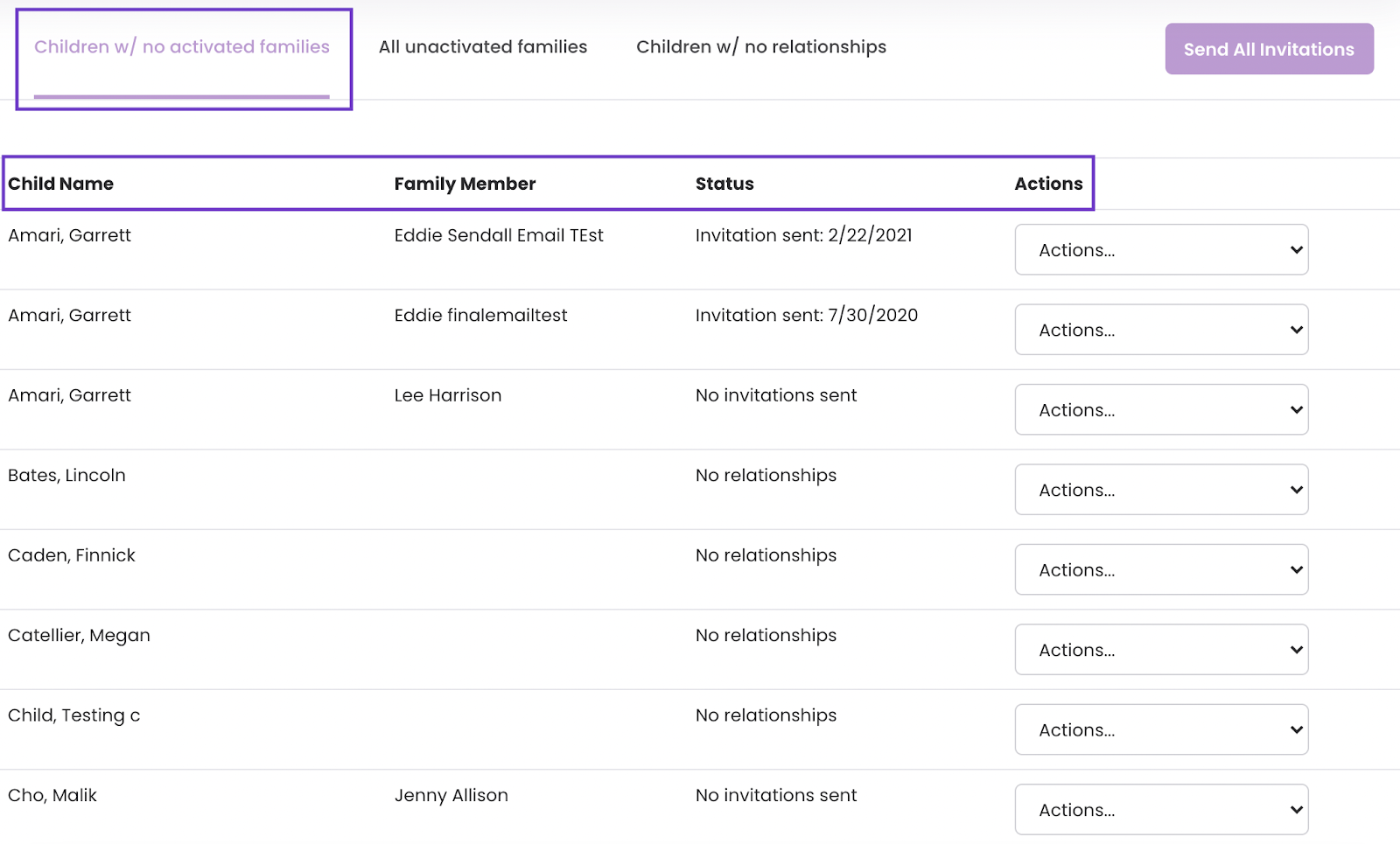
2. In the upper right-hand corner of the screen, tap the "Send All Invitations" button.
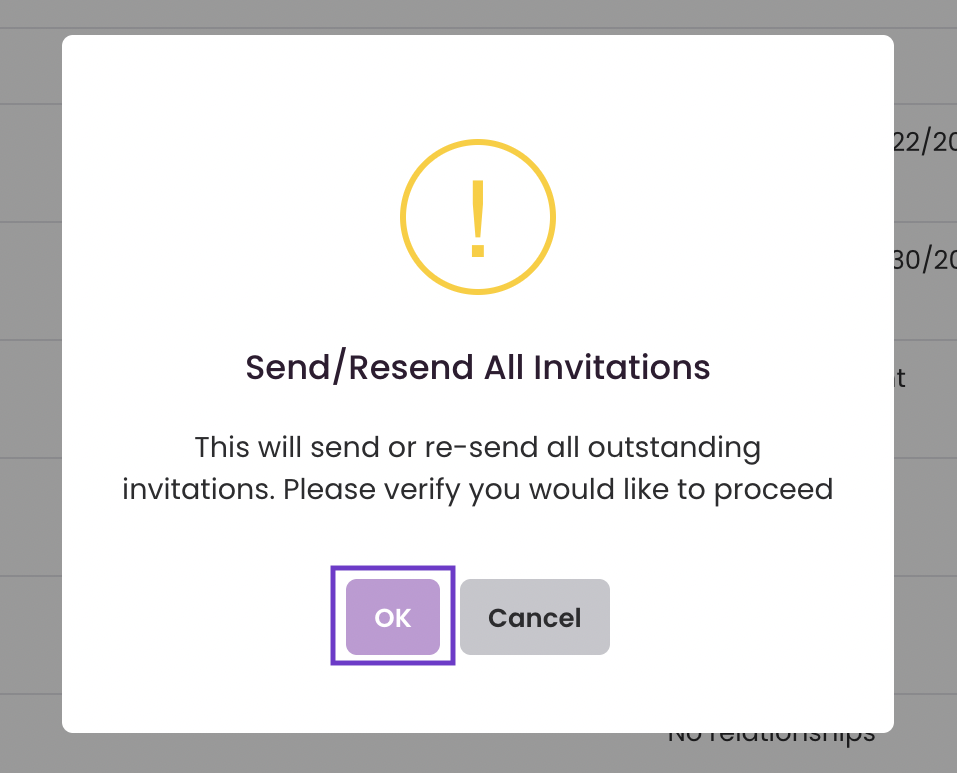
3. Confirm that you would like to invite all inactive family accounts to Building Kidz University
All account invitations have been sent!