


How can I get help on the web app?
Learn how to access the Help Center or live chat with a Building Kidz University team member
How to Get Help In The Web App
Learn more about how to get help while using the Building Kidz University web app
1. While in the web app, tap the “?” in the upper right corner next to your name

2. This button will take you to a screen where you can choose to start a live chat or be redirected to the support center
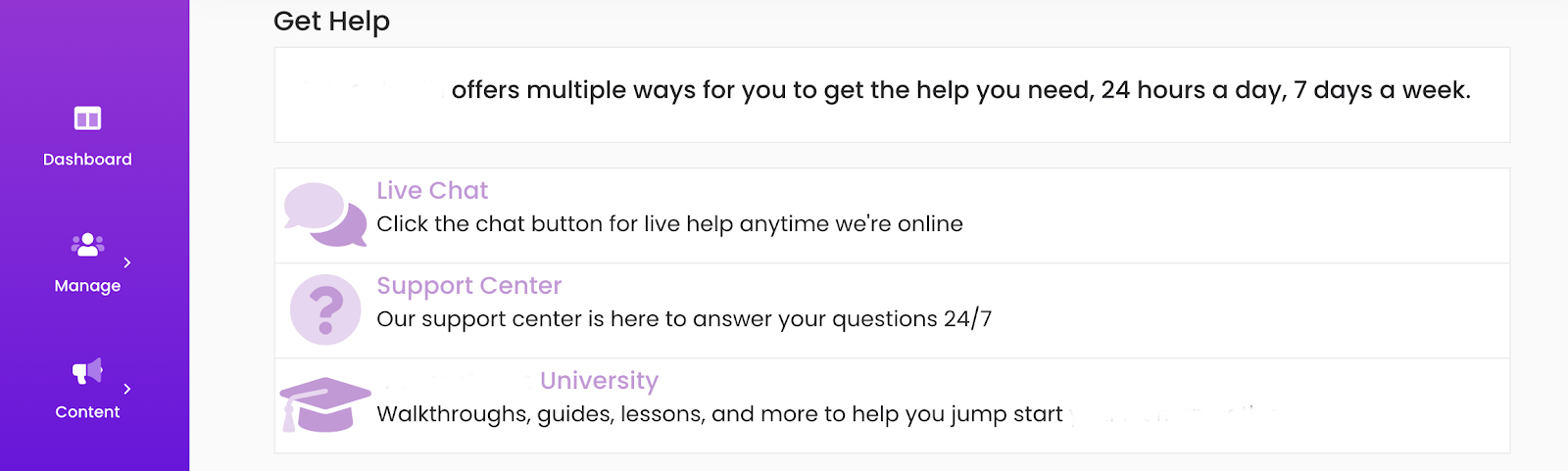
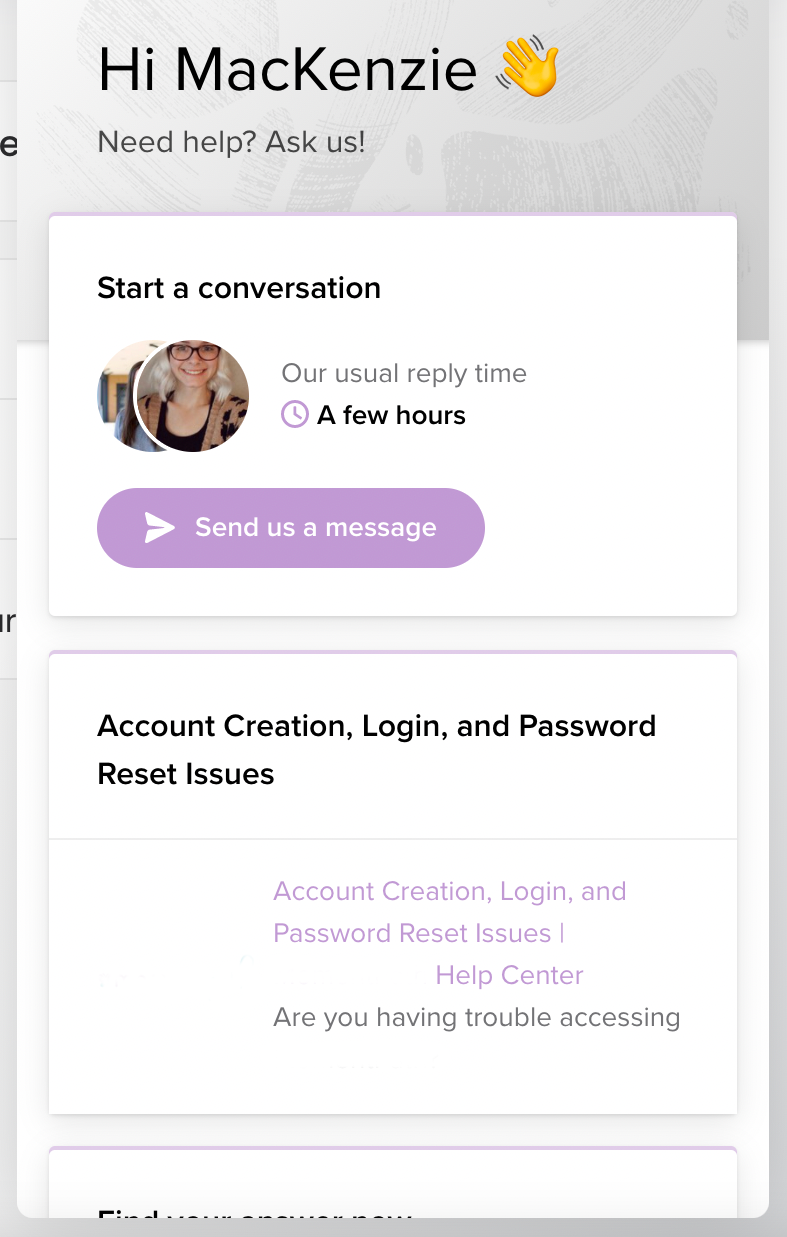
3. If you choose live chat, you will see a box pop up in the bottom right where you can send a message to our Building Kidz Connect support team
4. If you choose Support Center, you will be redirected to our Building Kidz University help website where you can look for an article to guide you
